There are a few steps that you need to do before creating your new mission...
You can create a basic "Destroy Everything In Sight" mission, or a longer story line type mission that lasts over two or three maps. Lets asume that we are doing a story mission.
Note : If you find that your story is too long or complicated to fit into one level, or if your storyline requires several different map details, consider splitting the story over several maps into a multi-level mission pack.
1. Create basic outline for your map.
2. Write out your entire story line, including drawing out the map on paper.
3. Write out the triggers and events that will happen during your mission.
4. Set out what units will be used in this mission.
Once you have done this, fire up the editor and create your map layout as you drew it out in step 2 - further instructions below...
5. Set up the areas that you require with relation to your triggers and events.
6. Create your groups.
7. Write out your information text.
8. Set up your triggers.
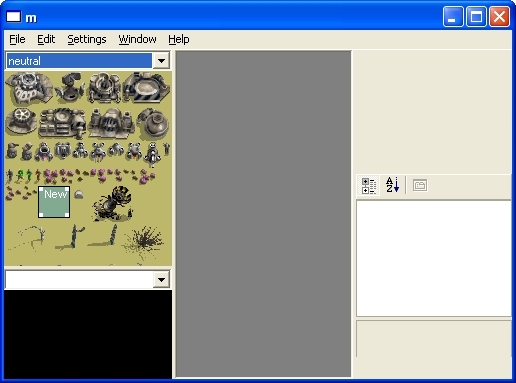
Now, as part of your mission you should have deciced on either a desert or grass terrain.!
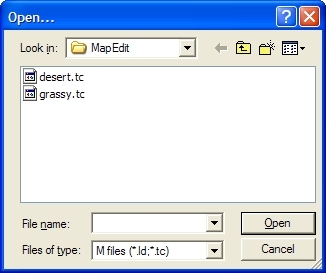
First goto File, Open... and select whichever terrain your are going to use
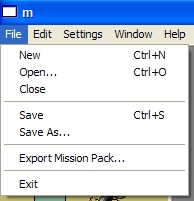
Next, goto File, New. You will now have a screen filled with either desert or grass , from here the rest is up to you.!