Triggers are used to perform certain actions for specific contitions.
To bring up the trigger options, click on the Settings menu and Triggers.
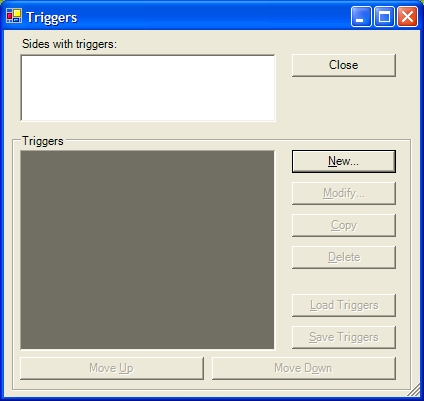
This window is empty at the moment, so we are going to add a new Trigger.
This new trigger will display a eCom message at the start of the mission to imform the player of what they need to do in order to complete this map.
Click on the New button.
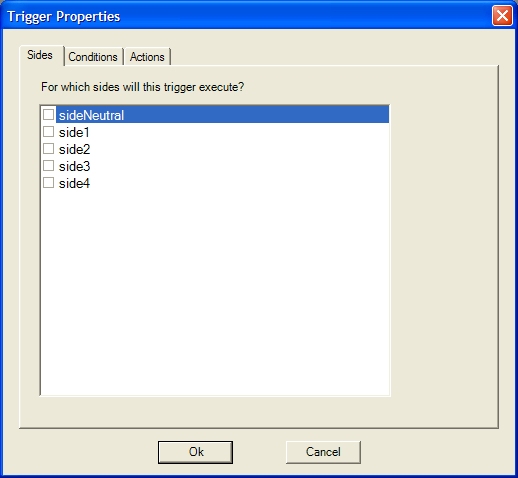
Pick which side this trigger will apply to. Select the side 1 option, click on the conditions tab and click on New.
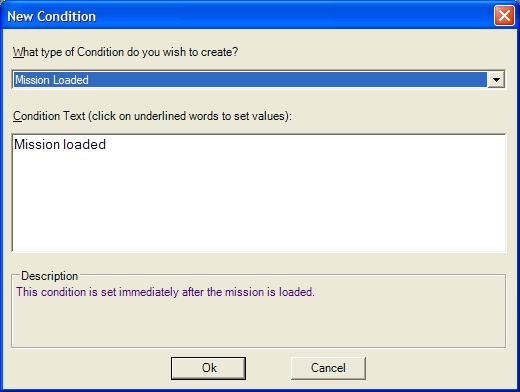
Pick the "Mission Loaded" condition and click OK. Next, click on the actions tab and click on New.
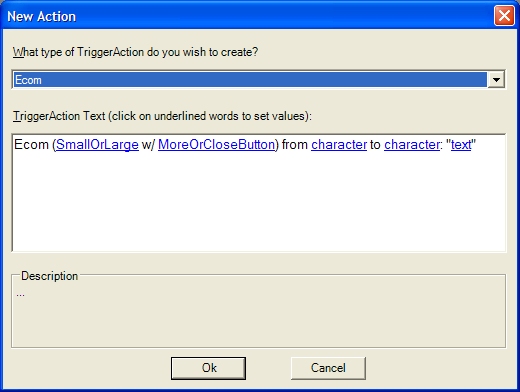
Pick the "Ecom" action. You will notice that the this action has several options.
Click on each option, and fill in the following details...
Ecom (SmallBottom w/ Close) from Olstrom to Andy: "Welcome to your next mission Andy."
Click on the OK button, then click OK again. You will now have one trigger listed in the Triggers window...
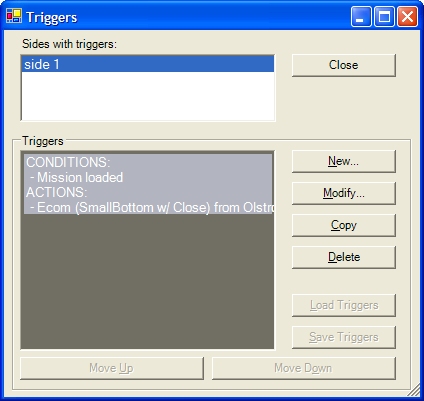
You have now created your first trigger.!
For more information on all the triggers available, see the triggers help file.
NOTE : There is a maximum limit of 128 triggers per side.